
CapCut - Video Editor
Screenshots
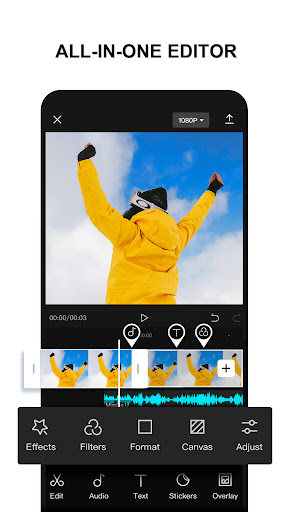
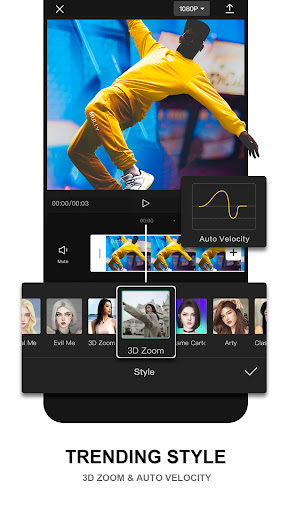
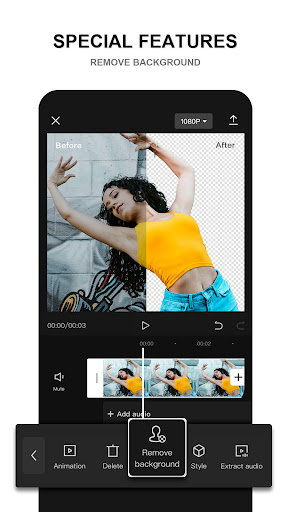
What is CapCut - Video Editor
CapCut - Video Editor delivers a powerful, mobile-first editing suite built for fast social content creation. Packed with AI tools, templates, and pro-level effects to make eye-catching videos in minutes. Download now and start publishing standout clips across social platforms.
📌 Core Features
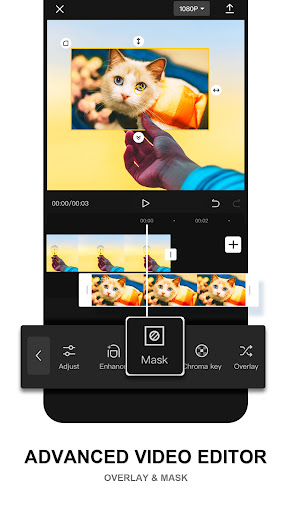
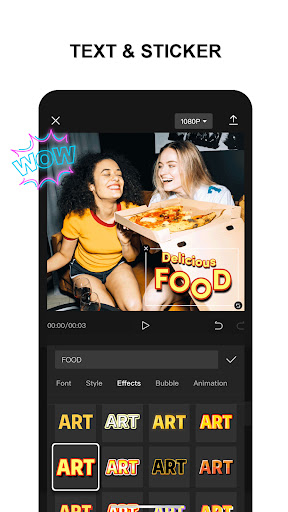
Intuitive Timeline Editing: Fast drag-and-drop timeline with multi-track layers for clips, overlays, and stickers. Precise trimming and split tools make rapid edits feel professional. 🎬
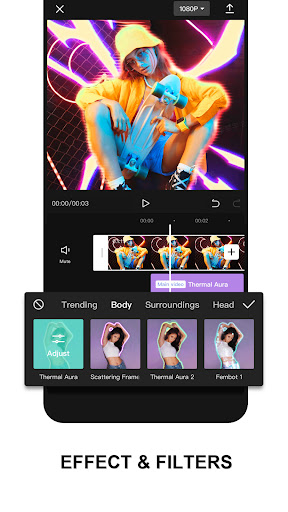
Advanced Effects & Filters: Robust library of visual effects, color grading tools, and preset filters for polished looks. AI-assisted effects and keyframe control enable cinematic results. ✨
Templates & Auto-Edit: Ready-made templates and auto-edit modes speed up content creation for trends and reels. One-tap scene matching and pace synchronization keep clips in rhythm. 🎨
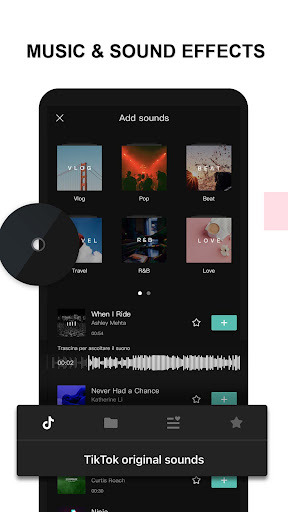
Audio Tools & Music Library: Extensive music catalog, sound effects, and voiceover recording with volume envelopes and audio ducking. Beat detection and sync tools make audio-driven edits effortless. 🎵
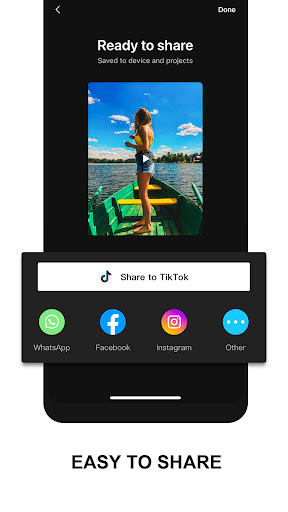
High-Quality Export & Formats: Exports up to 4K with adjustable bitrate and frame-rate options for social platforms. Multiple aspect ratios and direct sharing to TikTok, Instagram, and YouTube streamline publishing. 🚀
👍🏼 Pros
Powerful Free Tier: Most core editing tools available at no cost, enabling creators to start without a paywall. Regular free updates add features and keep workflows current. 💯
Fast Social-First Workflow: Templates, aspect presets, and auto-resize options accelerate publishing to TikTok and Reels. Saves time for creators focused on short-form content. ⚡
Desktop-Class Tools on Mobile: Keyframes, chroma key, and multi-layer audio bring advanced control to handheld editing. These present pro-level capabilities without a desktop. 🔧
Seamless Sharing & Format Support: Direct export presets for TikTok, Instagram, and YouTube reduce manual formatting steps. Multiple aspect ratios and quick uploads streamline social distribution. 📲
Active Feature Development: Frequent releases and new AI features add creative options and template packs. Community-driven trends get integrated rapidly to stay current. 🔄
👎🏼 Cons
Privacy & Data Concerns: CapCut is developed by ByteDance, so some users may have concerns about data handling and international data routing. Review permissions and the privacy policy to understand what is shared. 🔒
Ads and Promotional Content: Free tier includes ads and prompts to use paid templates or packs, which can interrupt workflow. In-app promotions may push users toward paid features during editing. 🛑
Pro Features Behind Subscription: Advanced export options, premium templates, and watermark removal can require a paid subscription. Creators needing full toolsets may face ongoing costs. 💸
Performance on Older Devices: Intensive effects and high-resolution exports can slow or crash older phones. Expect longer render times and potential app instability on low-end hardware. 🐢
Learning Curve for Advanced Tools: While basics are quick, mastering keyframes, color grading, and multi-track audio takes time. New users may need tutorials to unlock pro-level results. ⚠️
💰 Prices
Free to download with a robust no-cost tier; optional CapCut Pro subscription unlocks premium templates, higher export quality, and advanced tools for about $4.99/month or $29.99/year. Individual template or asset packs are available as in-app purchases starting around $0.99, so try the free tools then upgrade only if needed.
Similar Apps