
Canva: AI Photo & Video Editor
Screenshots
What is Canva: AI Photo & Video Editor
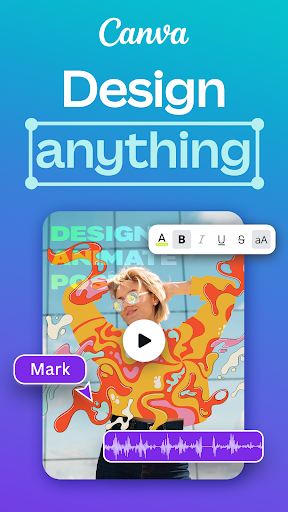
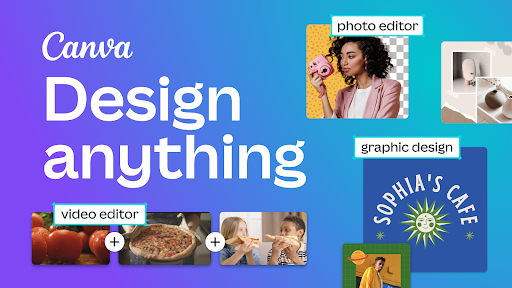
Canva: AI Photo & Video Editor supercharges content creation with fast AI-powered tools for photos and videos. Download now to create polished social posts, ads, and short videos that stand out in seconds.
📌 Core Features
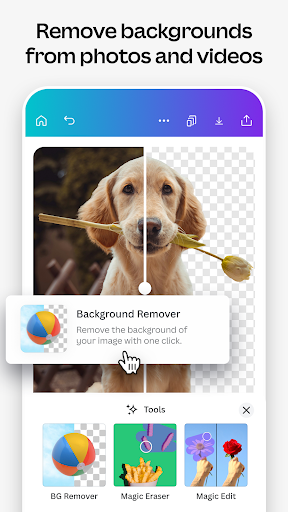
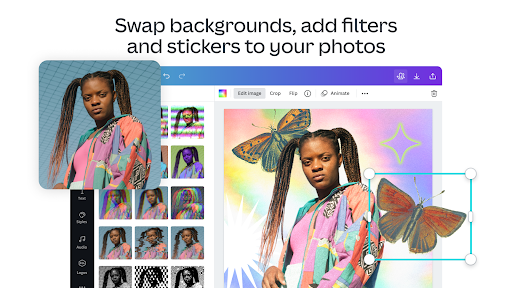
AI Background Removal: Smart AI removes backgrounds in seconds for photos and product shots. Edge detection performs well on hair and complex edges for quick compositing. 🪄
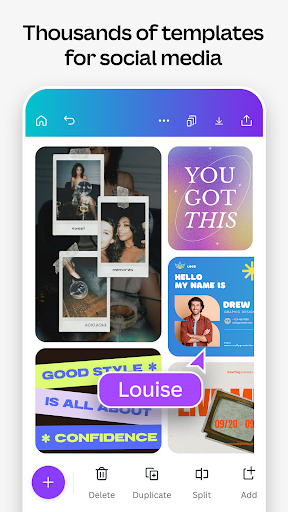
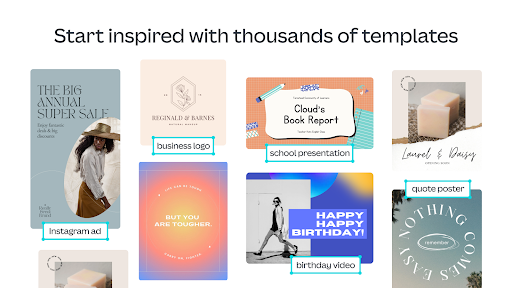
Template Library: Thousands of customizable templates for social, marketing, and personal projects cut design time dramatically. Templates include matching fonts and color palettes for cohesive results. 🖼️
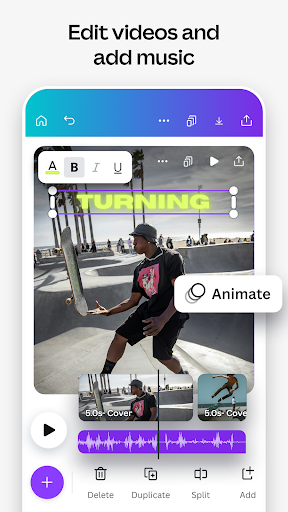
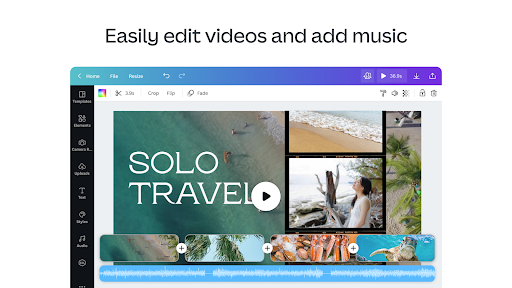
AI Video Tools: Automated scene detection, text-to-video prompts, and easy trimming make short video creation fast. Built-in soundtracks and transitions streamline export-ready clips. 🎬
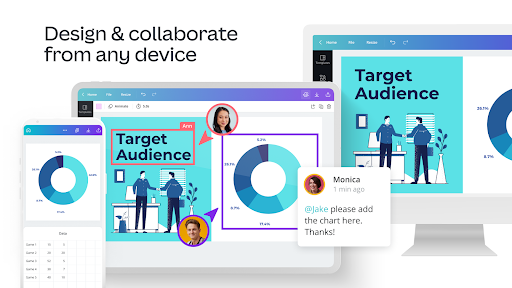
Collaboration & Sharing: Real-time collaboration, commenting, and shared folders simplify team workflows and feedback loops. Permission controls let admins manage access and export rights. 🤝
Cross-Platform Sync: Projects sync between mobile and desktop so edits continue across devices without gaps. Offline editing is limited but recent changes upload once online. 📱
👍🏼 Pros
Easy Learning Curve: Intuitive drag-and-drop interface gets beginners designing quickly. Templates and guided edits reduce setup time for campaigns. ⚡
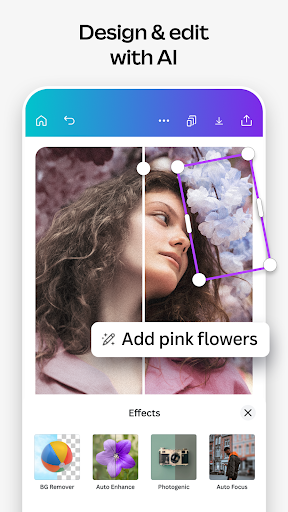
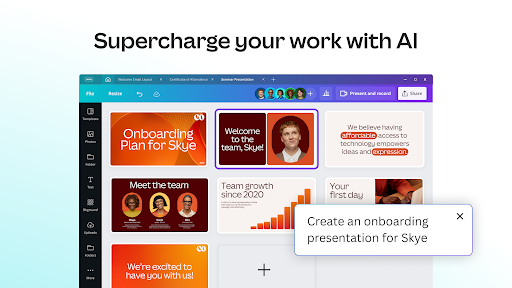
Powerful AI Features: Background removal, magic resize, and generative tools speed up repetitive tasks. AI suggestions help optimize layouts and copy for different platforms. 🤖
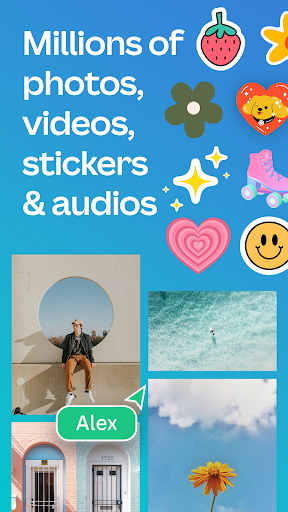
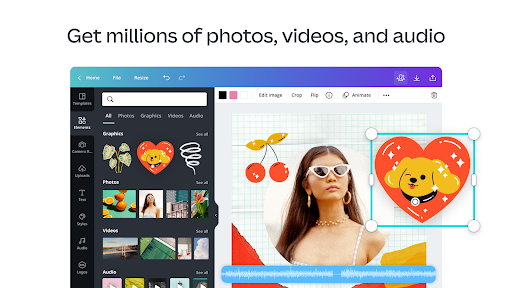
Extensive Asset Library: Millions of stock photos, videos, fonts, and icons available in one place. Licensing for commercial use is straightforward on paid plans. 📚
Strong Collaboration: Team features support real-time edits, commenting, and version history for team projects. Shared brand kits keep assets consistent across contributors. 🌐
Flexible Export Options: Multiple file types and quality settings for web, print, and social distribution. Direct sharing to socials and cloud services reduces extra steps. 💾
👎🏼 Cons
Subscription Cost: Advanced tools require Pro or Teams subscriptions that add recurring costs. Pricing can be steep for small solo creators who need premium assets. 💸
Performance on Older Devices: Large projects or video edits can lag or crash on older phones and tablets. High-resolution exports may require desktop hardware for smooth performance. 🐢
Limited Professional Editing Depth: Not a full replacement for dedicated pro photo/video suites when fine-grain control is required. Color grading and mask precision are less advanced than specialist apps. 🧩
Privacy and Data Use: Usage data and uploaded content can be used to improve services and personalize features; users should review privacy settings. Third-party integrations may involve additional data sharing. 🔒
Export Restrictions on Free Plan: Free tier adds limits on premium assets and certain export options like transparent backgrounds and high-resolution video. Upgrading is often necessary for commercial-quality deliverables. 📉
💰 Prices
Free tier available with basic templates, exports, and limited AI tools for testing workflow. Pro is $12.99/month or $119.99/year, and Teams start at $14.99/user/month for collaborative features and brand kits; upgrading unlocks premium assets and advanced export options.
Similar Apps